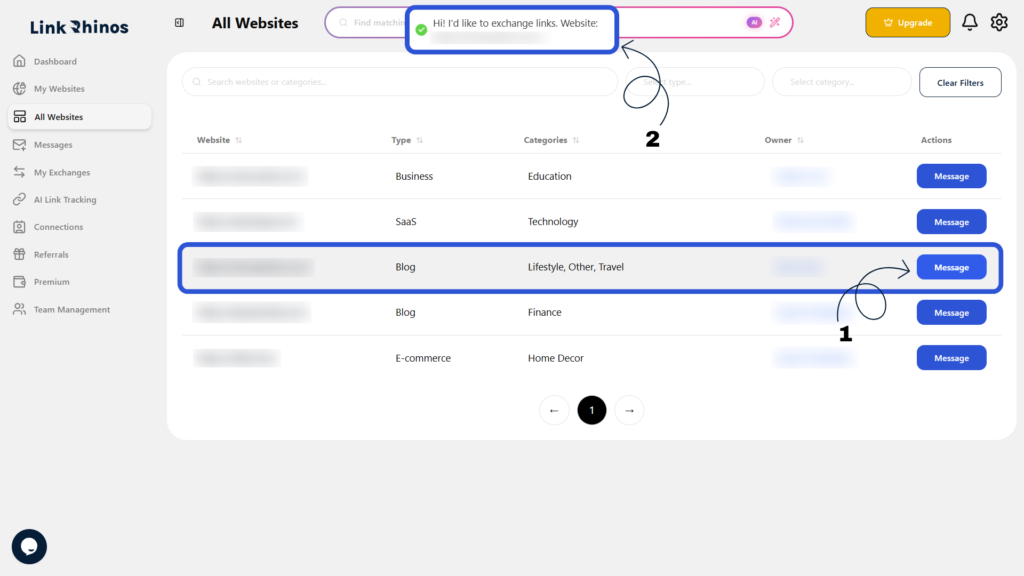
You can easily send a link exchange request to another website owner directly through the platform. This initiates the collaboration process automatically. Follow these steps:
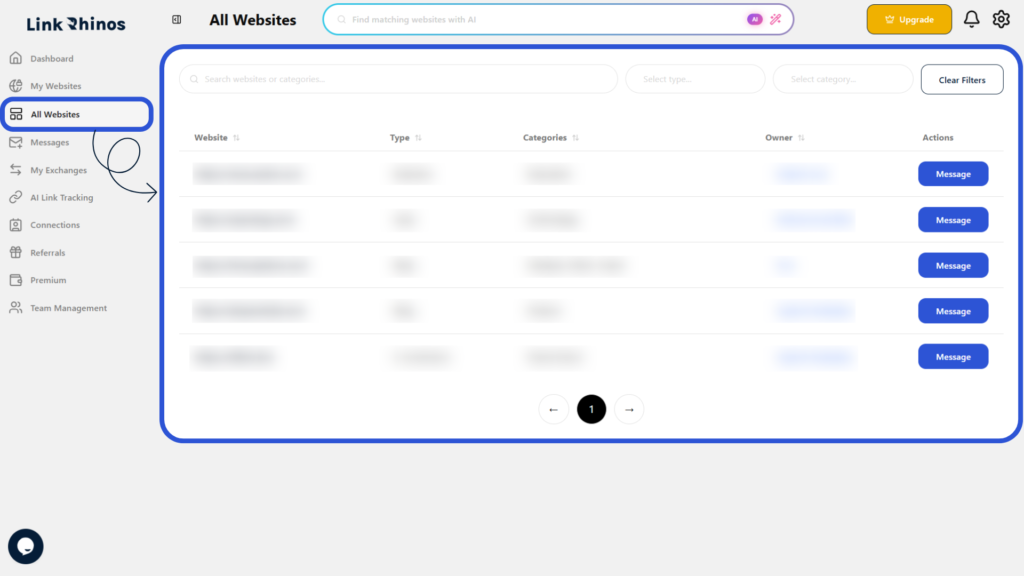
1: Go to All Websites
Navigate to the “All Websites” section and locate the website you want to collaborate with.
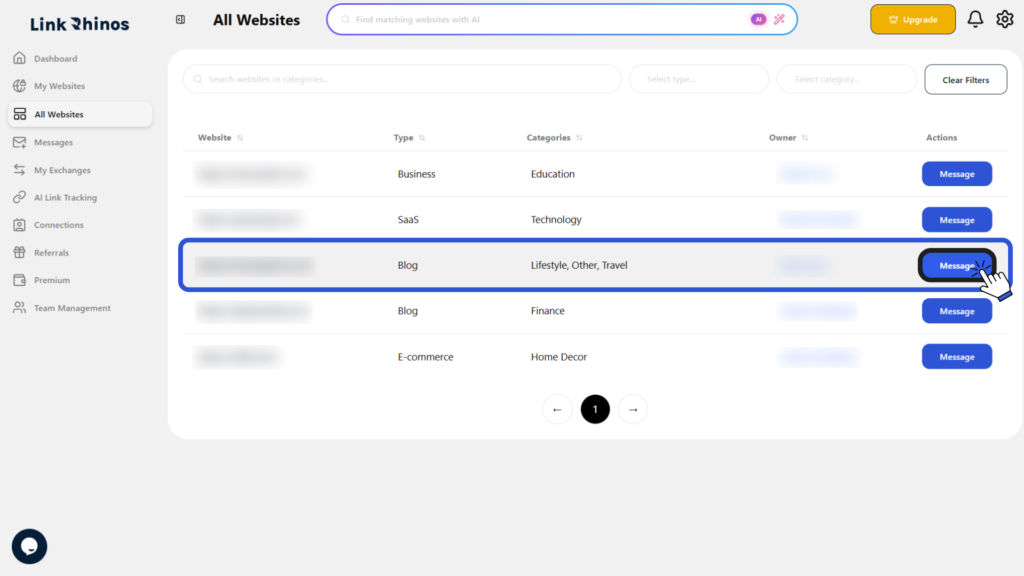
2: Click Message
In the Action column, click Message for the selected website.
3: Request Sent Automatically
A link exchange request message will be automatically sent to the website owner, notifying them of your interest.