
You can easily monitor the progress of your exchange requests to stay updated on their current stage. This information is available in your request dashboard. Follow these steps:
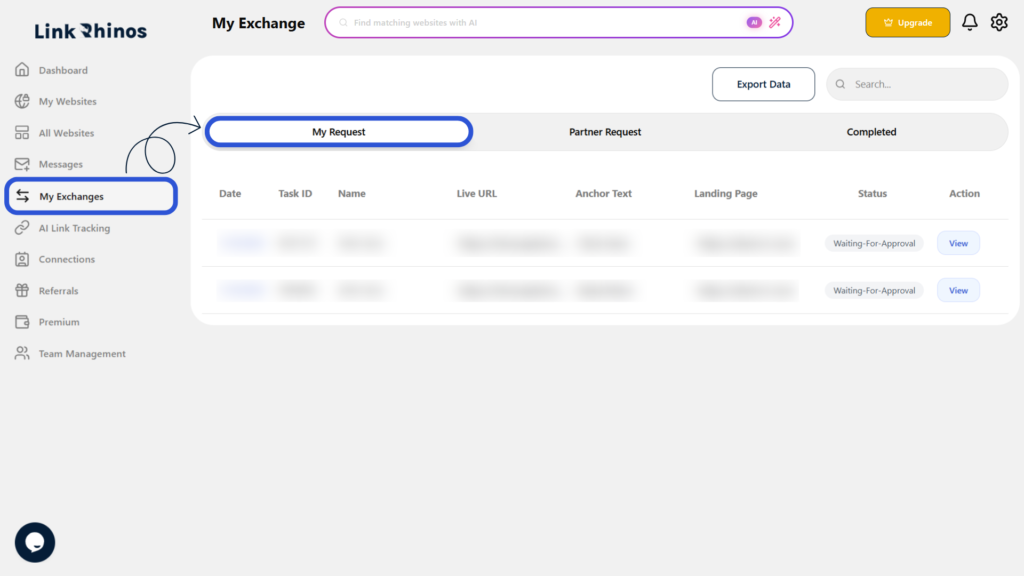
1: Go to My Exchanges
Navigate to the “My Exchanges” section from your main dashboard and open the “My Request” tab.
2: Check the Status Column
Look for the “Status” column next to each request to see its current state.
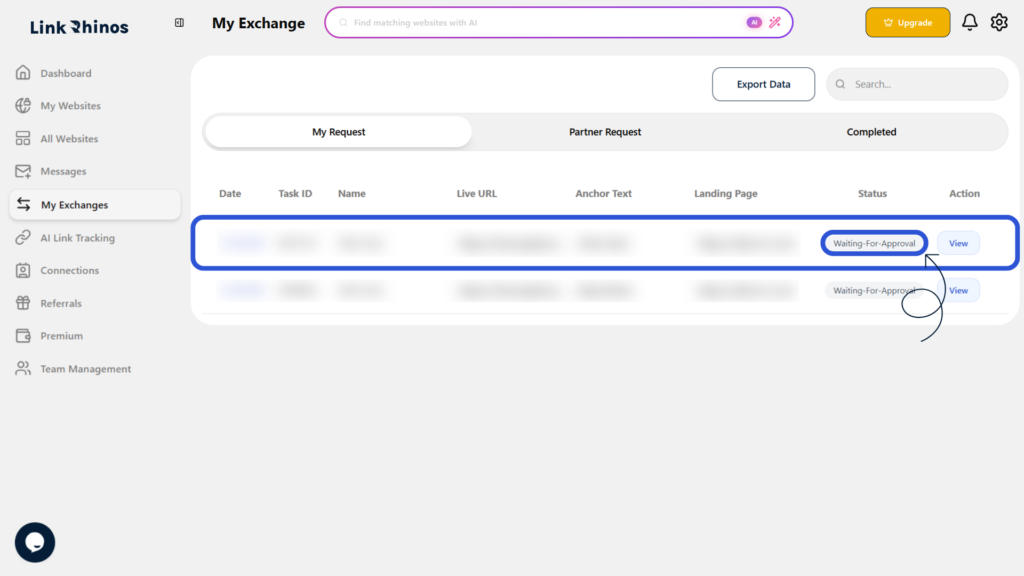
This status helps you understand whether your request is pending, approved, or completed, allowing you to take appropriate action if needed.