
You can view the complete exchange details for both parties to ensure transparency and track the status of your request. This information is available in the request overview. Follow these steps:
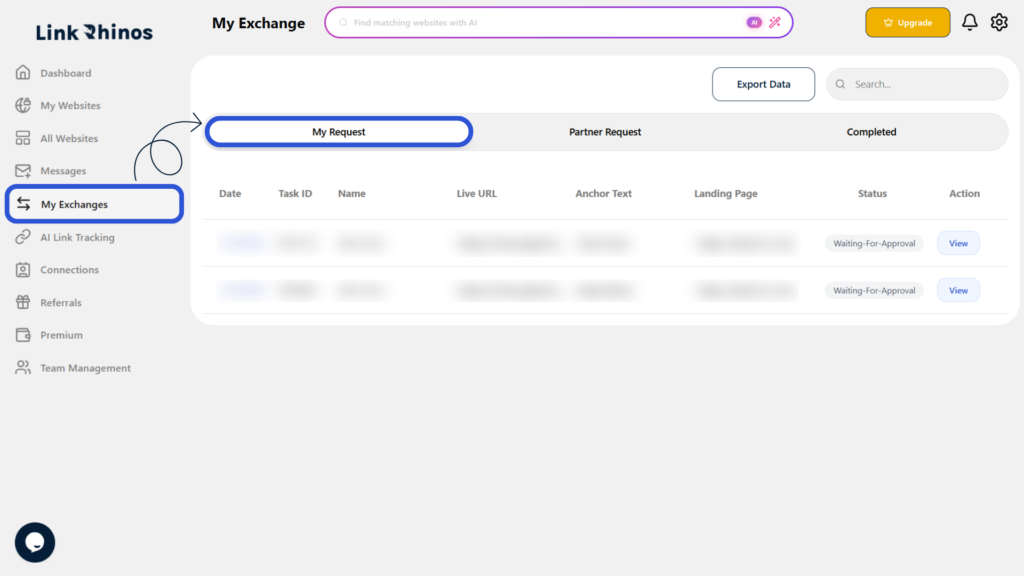
1: Go to My Exchanges
Navigate to “My Exchanges” from your main dashboard and open the “My Request” section.
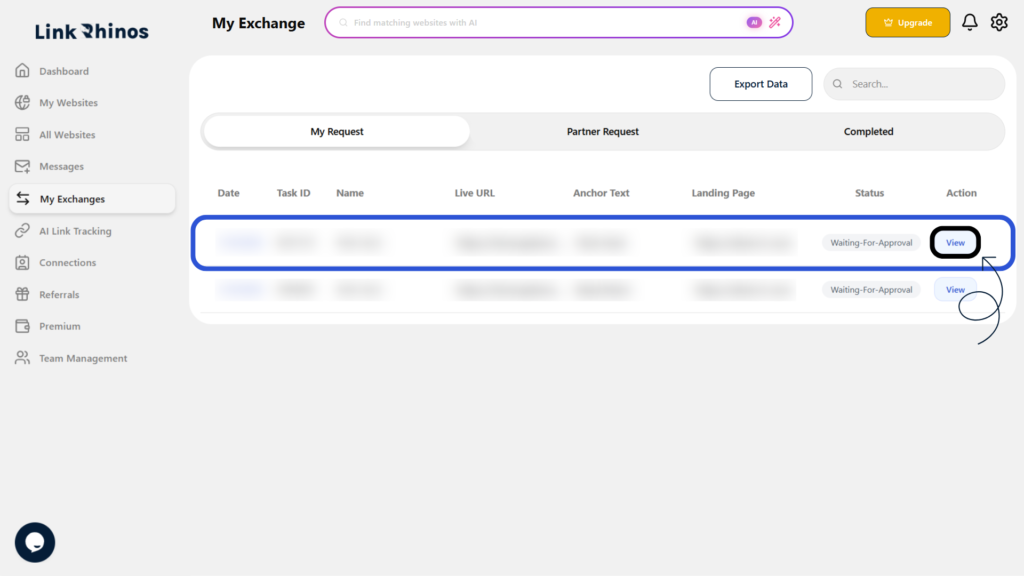
2: Find Your Request
Locate the specific request you want to review and click View under the Action column.
3: Review Task Information
The Task Information pop-up opens, showing exchange details for both you and the other user, along with any instructions when the same Task ID is shared.
This gives you full visibility into the exchange details for both parties, helping you manage your requests effectively on Link Rhinos.