
You can view all exchange requests sent to you by other users to track and manage your partnerships effectively. Follow these steps:
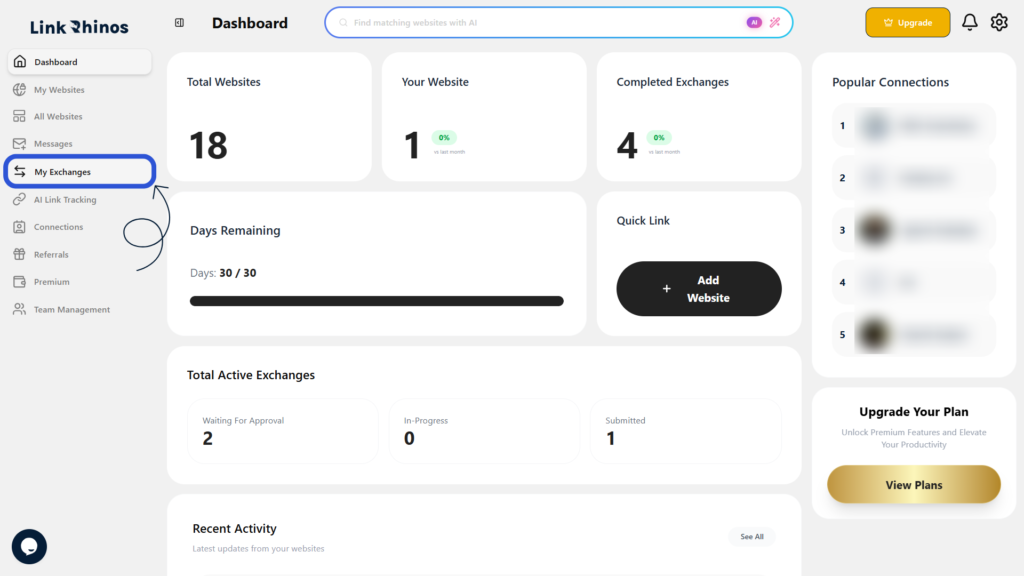
1: Go to My Exchanges
Navigate to the “My Exchanges” section from your main dashboard menu.
2: Open Partner Request
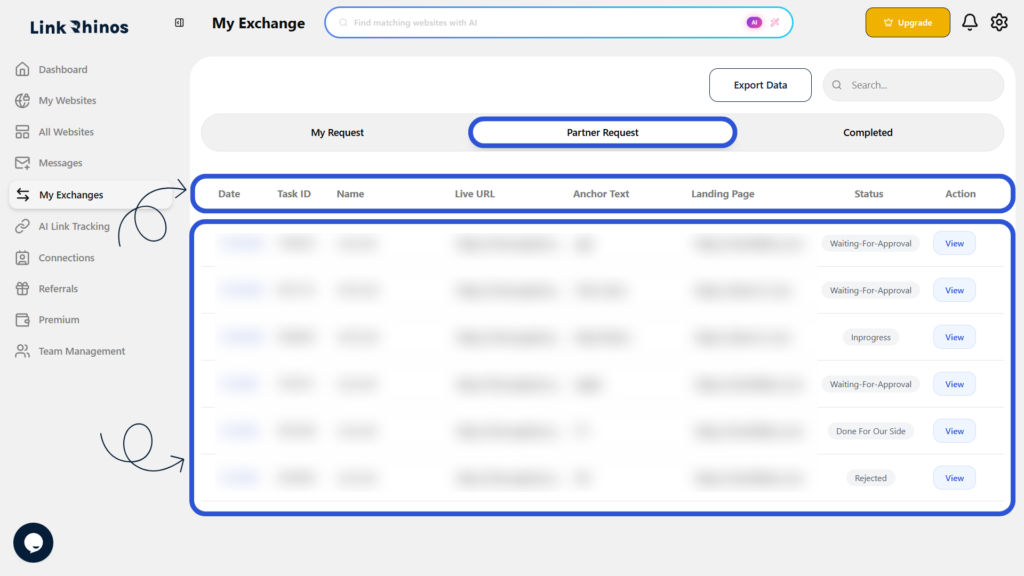
Click on the “Partner Request” section to access the complete list of exchange requests sent to you.
3: Review Request Details
Browse through the list to view key information for each request, including Task ID, Live URL, Anchor Text, Landing Page, and Status.
This gives you a clear overview of all pending and completed partner requests, helping you manage your exchanges efficiently with Link Rhinos.