
You can easily view exchange details for both parties to review task information and instructions. This information is available from your Partner Request section. Follow these steps:
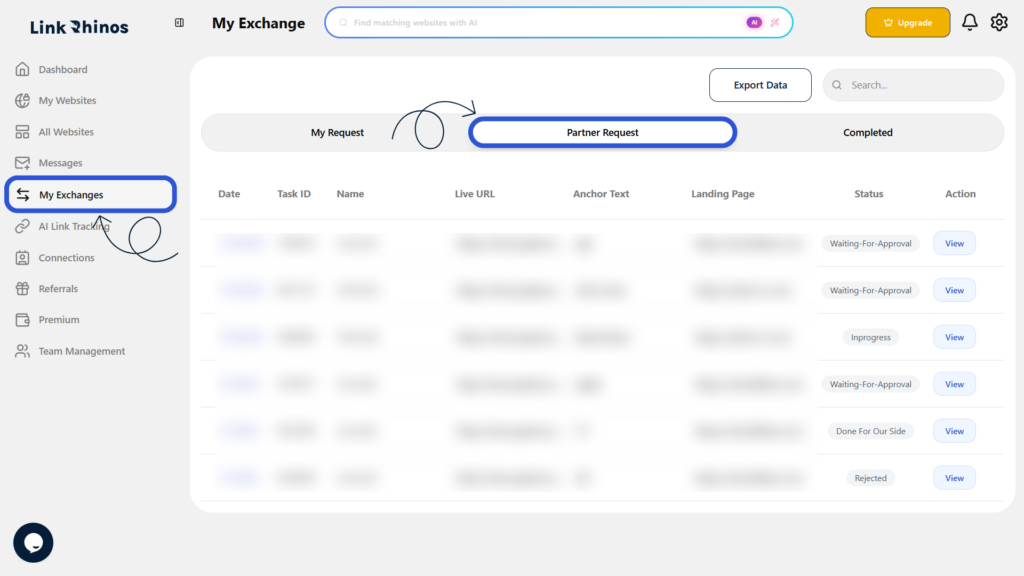
1: Go to My Exchanges
Navigate to “My Exchanges” from your main dashboard and open the Partner Request section.
2: Find and Select the Request
Locate the specific request you want to review and click View under the Action column.
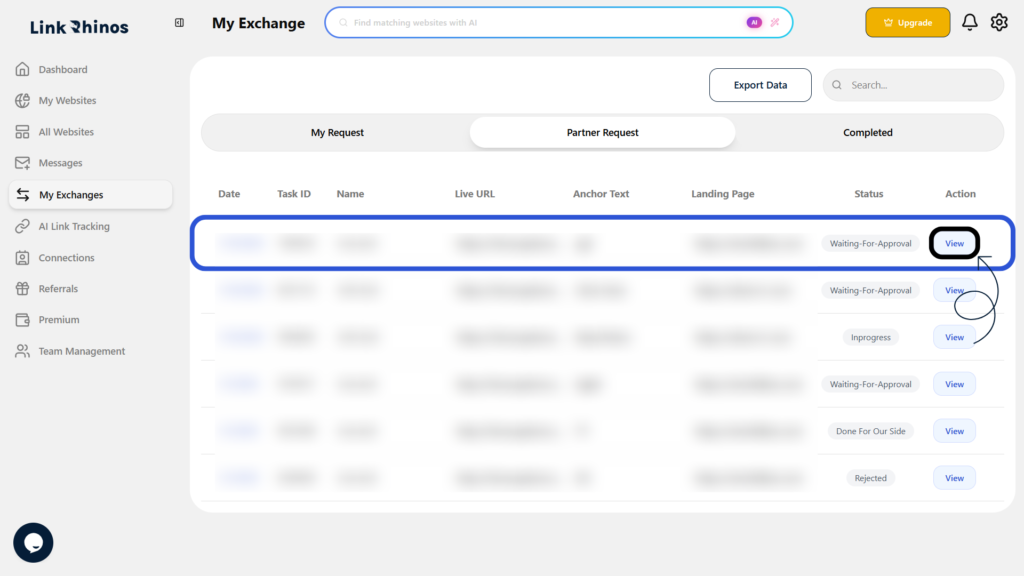
The Task Information pop-up opens, showing exchange details for both you and the other user, along with any instructions, when the same Task ID is shared.