
You can view all your AI link tracking tasks in one place from the main menu. Follow these steps:
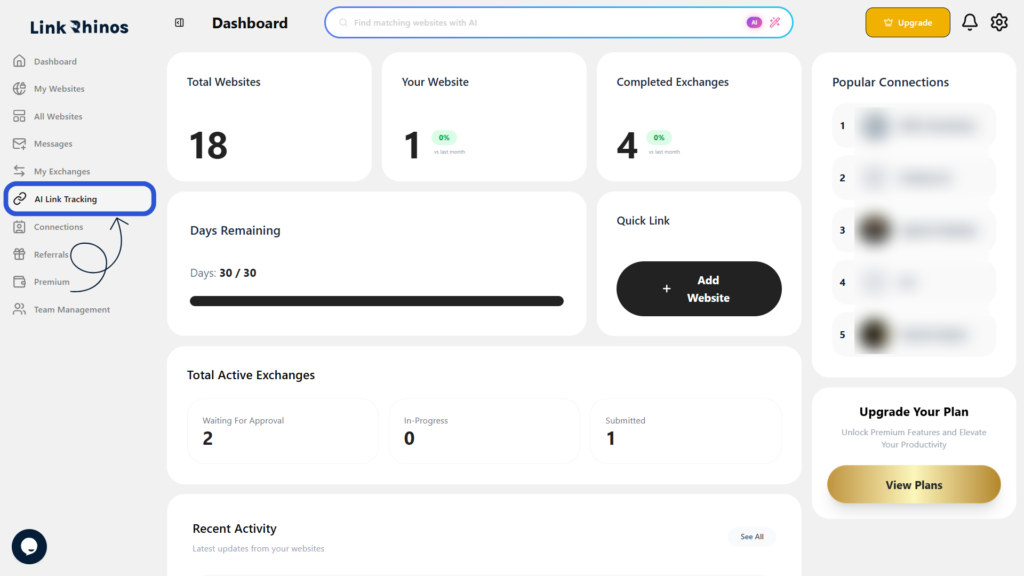
1: Go to AI Link Tracking
Navigate to the “AI Link Tracking” option from your main dashboard menu.
2: View the Task List
You will see a list of all link exchange tasks displayed on the screen.
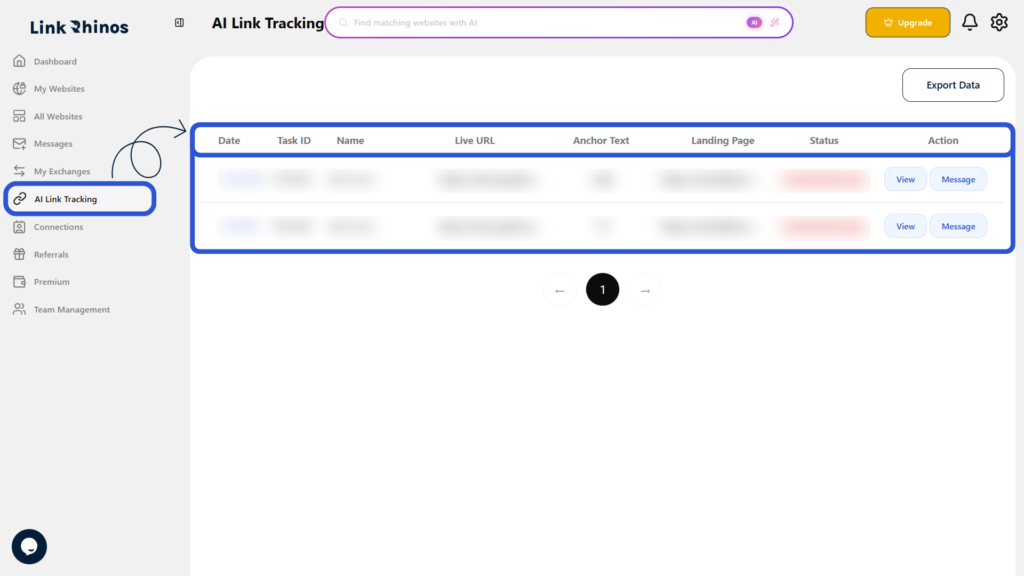
This screen displays all your link exchange tasks, with each row showing details like Date, Task ID, Name, Live URL, Anchor Text, Landing Page, and Status.