
You can view detailed task information to monitor the progress and status of your link exchanges. Follow these steps:
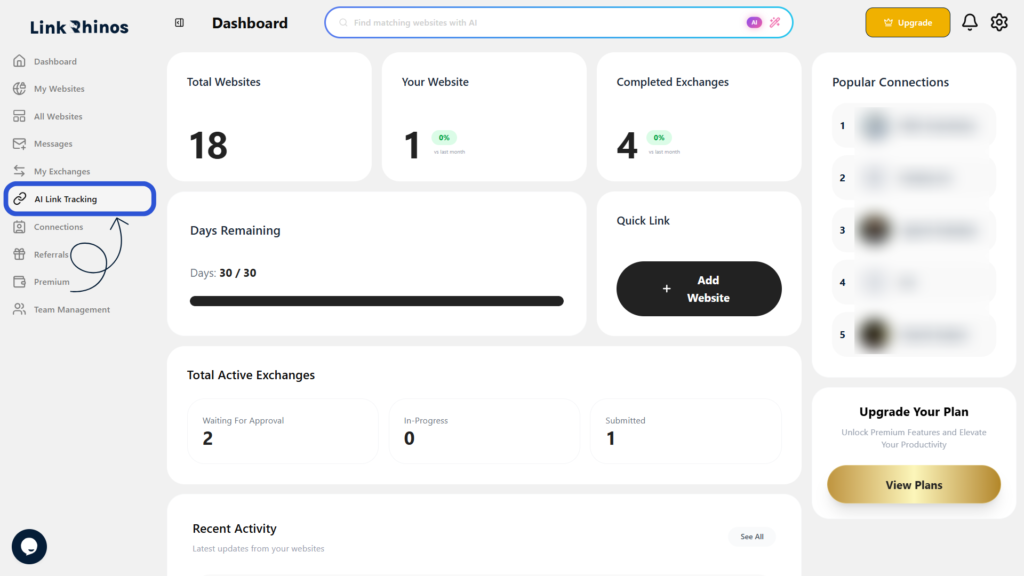
1: Go to Ai Link Tracking
Navigate to the Ai Link Tracking page from your main dashboard.
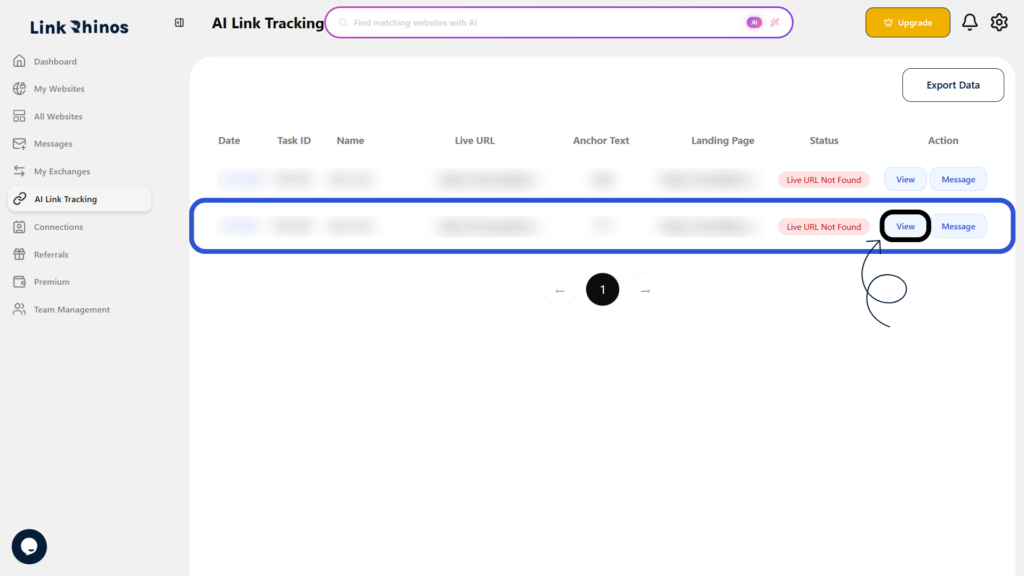
2: Click ‘View’ for the Task
Find the task you want to review and click View under the Action column.
The Task Information screen opens, showing details for both users when the exchange is completed by both parties under the same Task ID.