
You can export your AI link tracking data for offline analysis or record-keeping. The exported file contains detailed performance metrics for all your tracked links. Follow these steps:
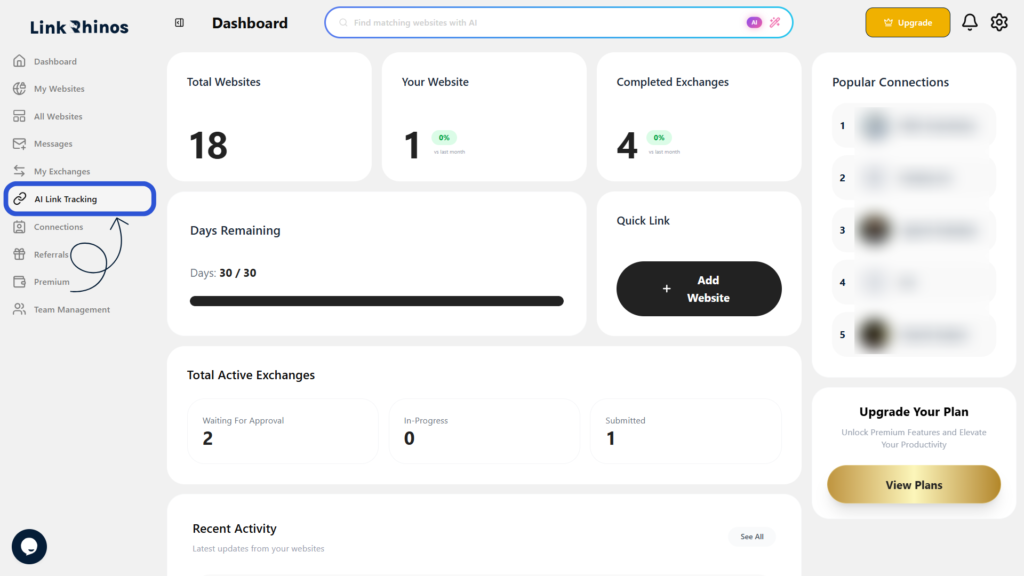
1: Go to AI Link Tracking
Navigate to the “AI Link Tracking” page from your main dashboard menu.
2: Click Export Data
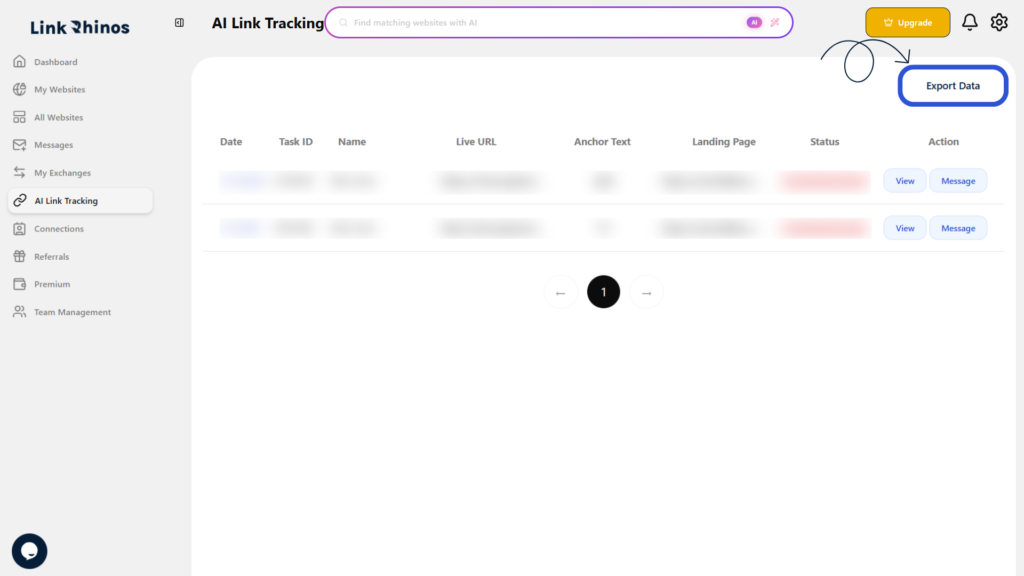
Locate and click on the Export Data button at the top of the page.
3: Download the File
An Excel file will be automatically downloaded to your device.
The exported file contains details such as date, task ID, name, live URL, anchor text, landing page, and status for all your tracked links within Link Rhinos.