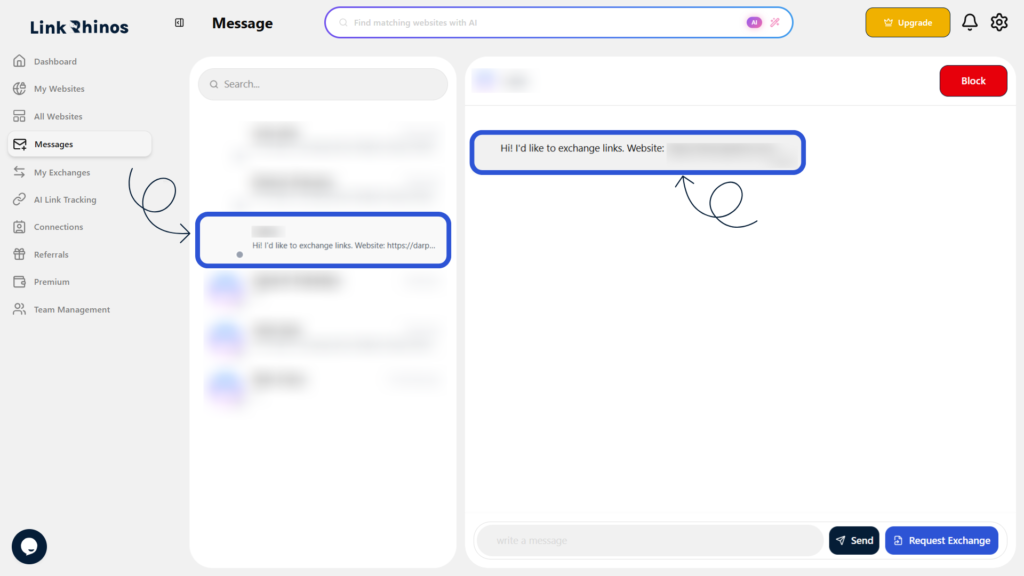
You can easily access all your conversations to stay updated with your connections. The messages section organizes your chats for quick and easy reading. Follow these steps:
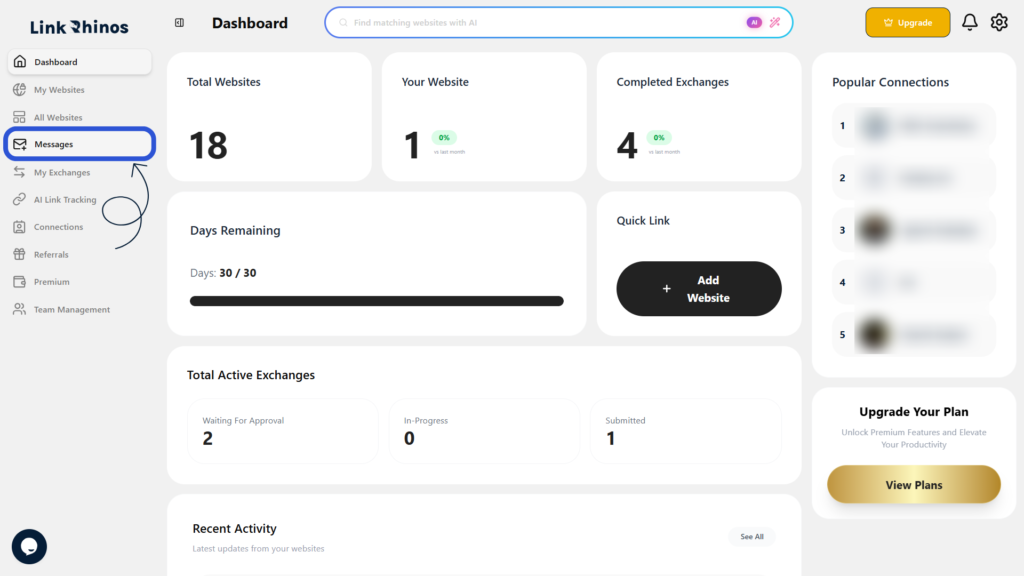
1: Go to Messages
Navigate to the “Messages” section from your main dashboard menu.
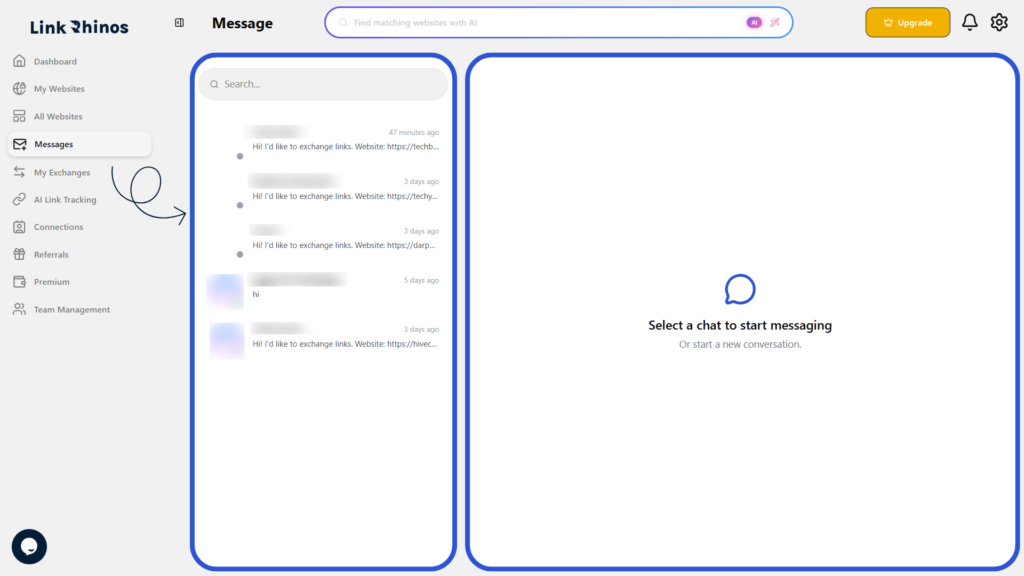
2: View All Conversations
The Messages page opens, displaying all your conversations in one place.
3: Open a Conversation
Click on any conversation to open and view the full message details.