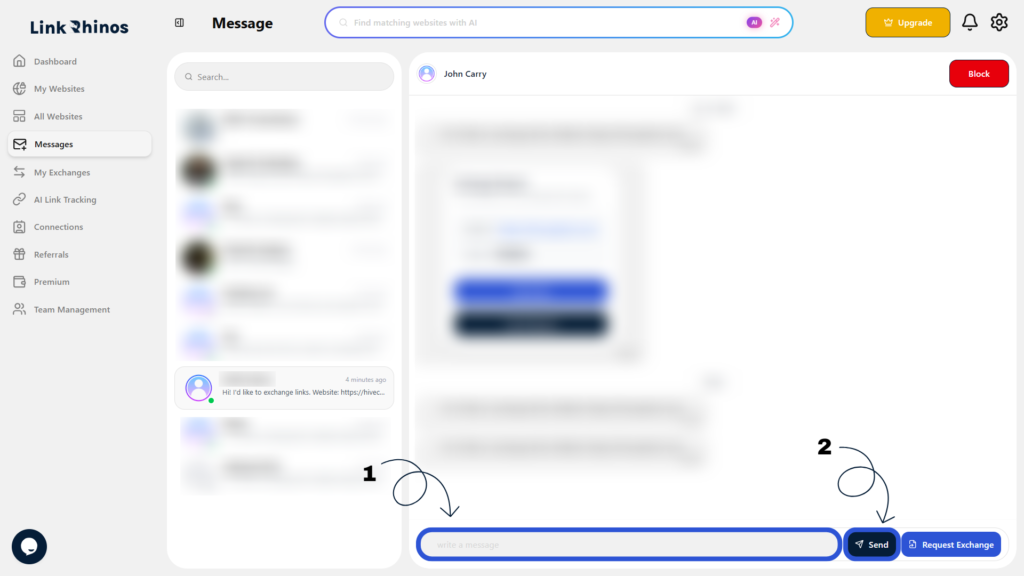
You can easily reply to any message to continue your conversations with other members. Follow these steps:
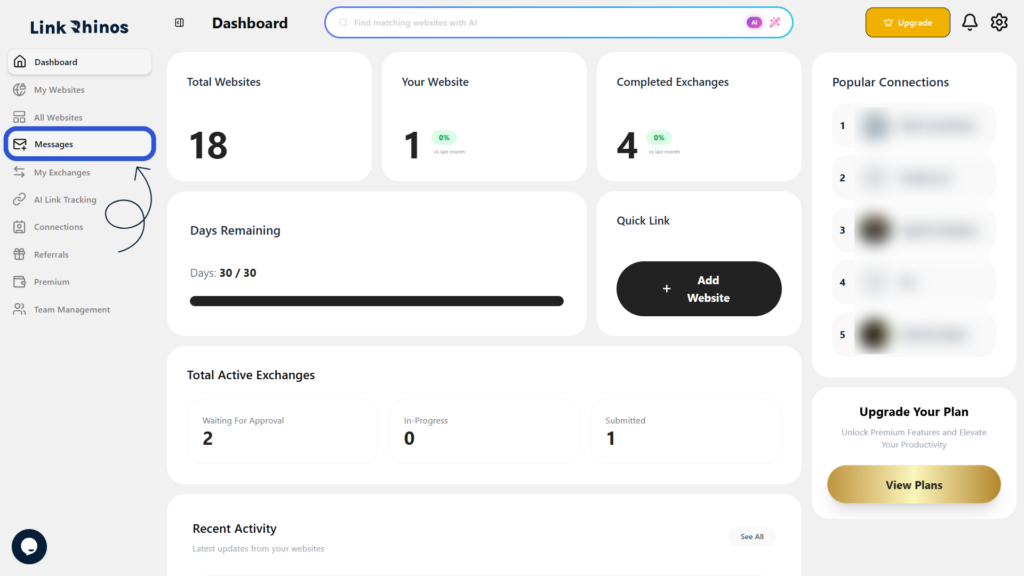
1: Go to Messages
Navigate to the “Messages” section from your main dashboard menu.
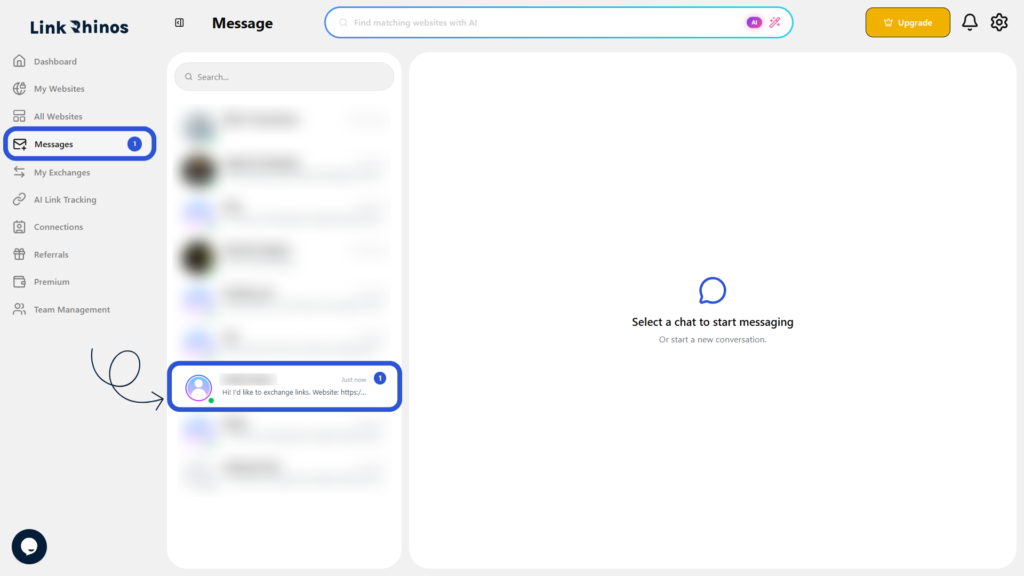
2: Open the Conversation
Find and click on the conversation you want to reply to.
3: Send Your Reply
Type your message in the Message input field and click Send.