
You can quickly view the total number of websites available to help you understand the scale of our network. This information is displayed prominently on your main dashboard. Follow these steps:
1: Go to Dashboard
Navigate to your main dashboard from any page using the menu.
2: Check Total Websites Card
Look for the “Total Websites” card at the top of the dashboard page.
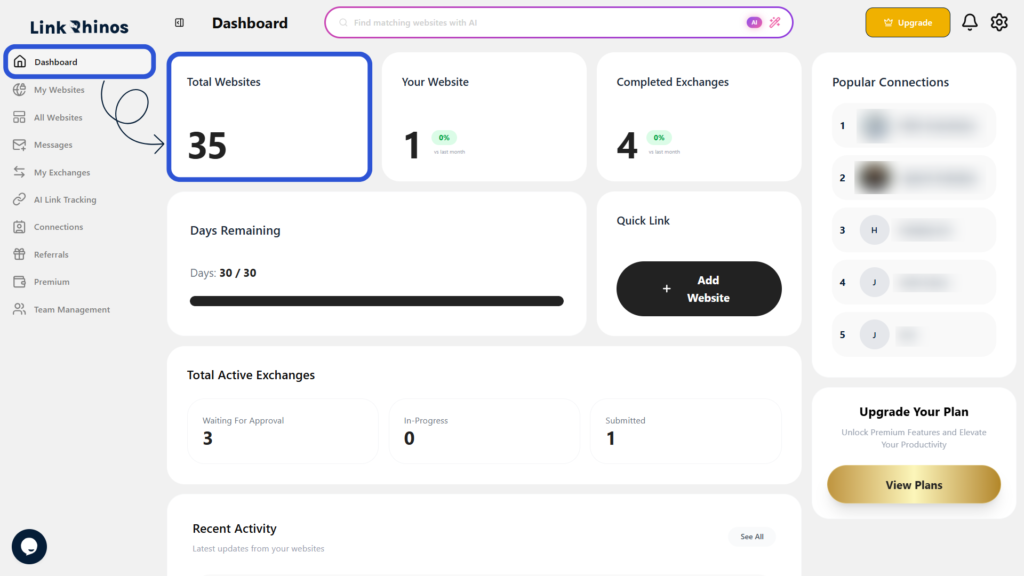
The number shown represents the total count of websites available on the platform, giving you an instant snapshot of Link Rhinos’ current inventory.