
Sorting helps you organise data on list pages such as My Websites, All Websites, and Connections. This allows you to quickly find specific entries or view your data in your preferred order. Follow these steps:
1: Open a List Page
Navigate to any list page such as My Websites, All Websites, or Connections from your main dashboard.
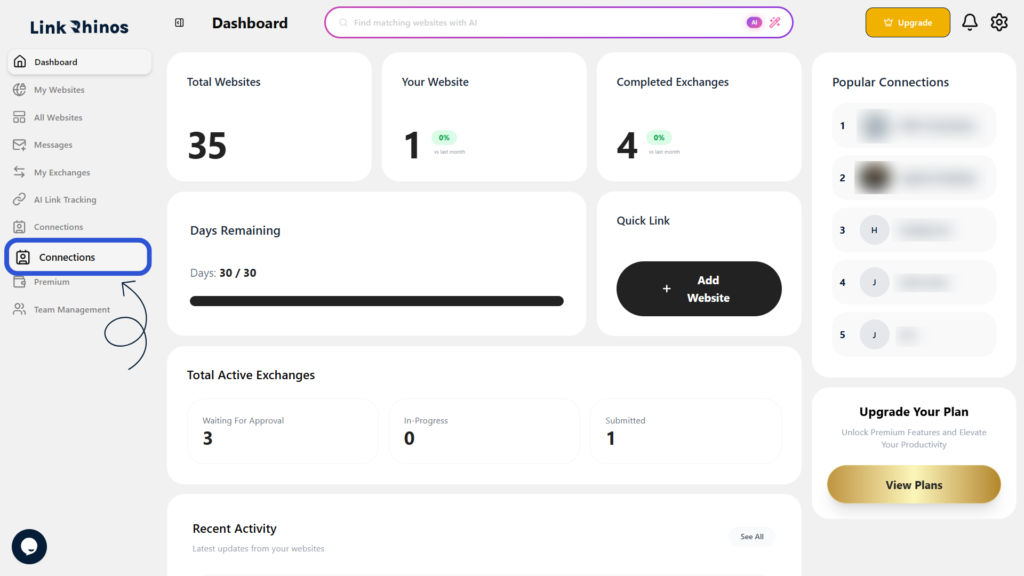
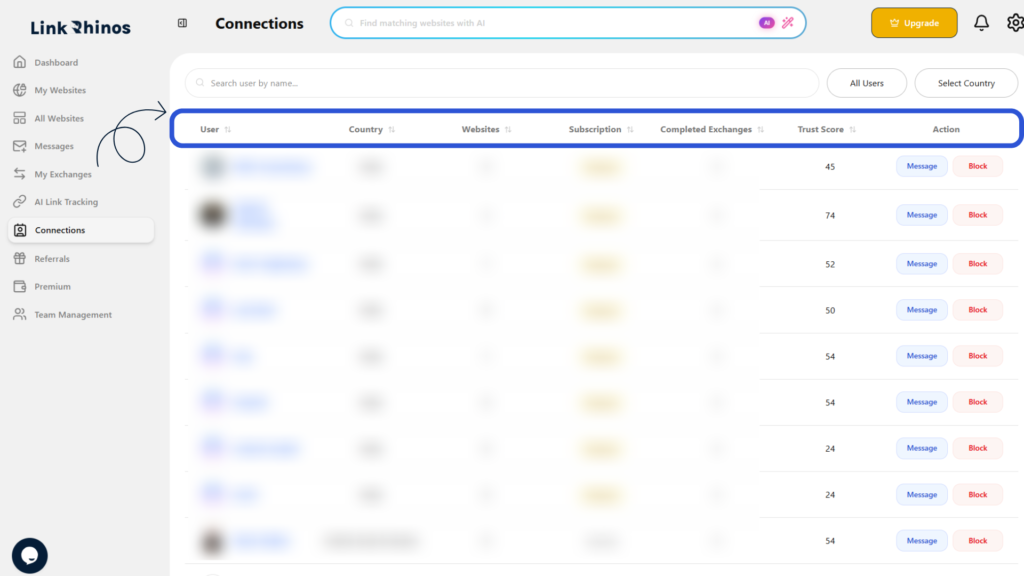
2: Click a Column Header
Click the column header you want to sort by, such as Website, Type, Category, Owner, or Trust Score. The list will instantly reorder based on your selection.
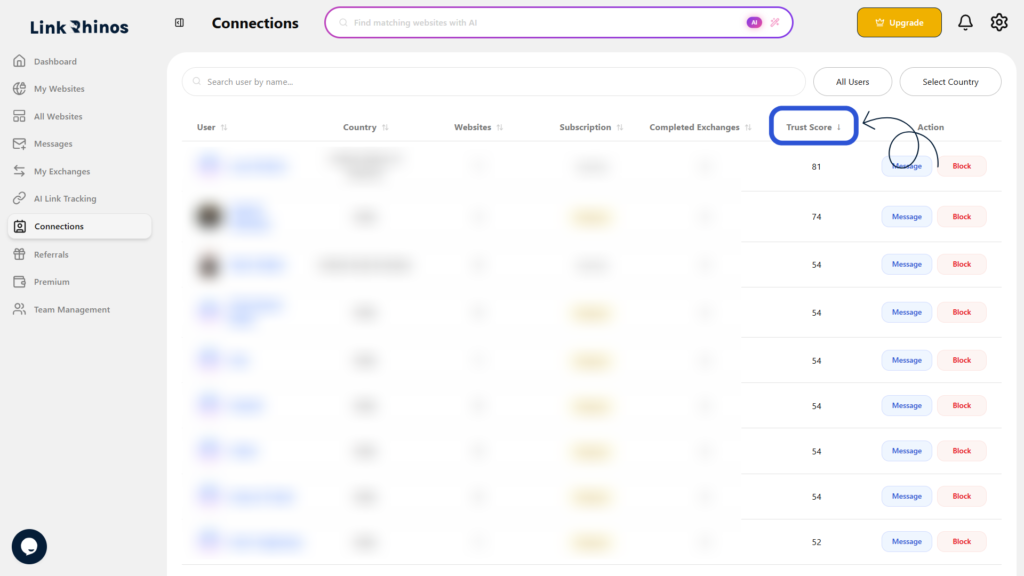
3: Toggle Sorting Order
Click the same column header again to change the sorting order between ascending and descending.
This simple sorting feature helps you efficiently manage and review your websites and connections across the platform.