
You can quickly verify your website ownership using email verification. This method ensures your domain is authenticated by sending a one-time password to an address associated with your site. Follow these steps:
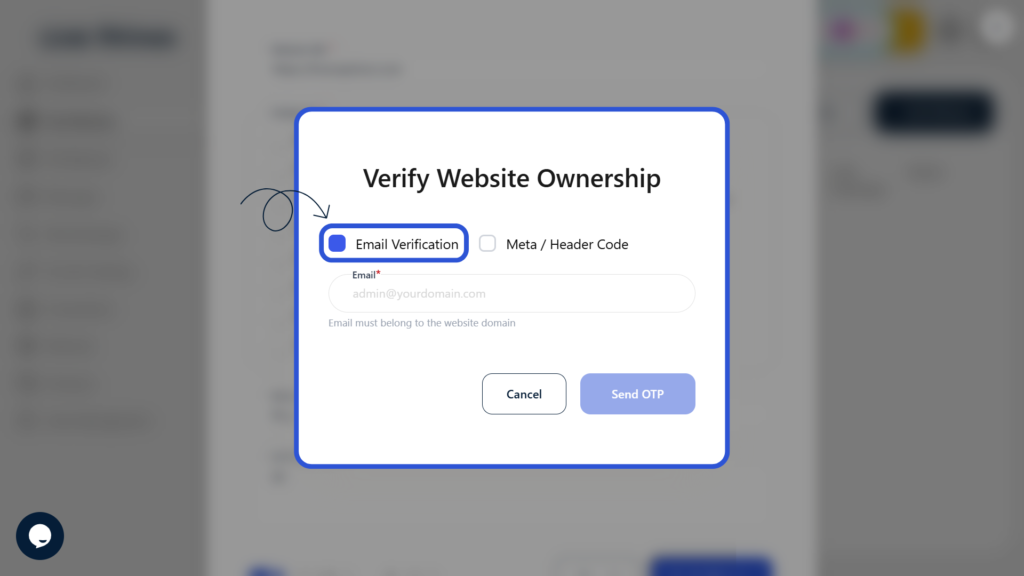
1: Select Email Verification
Choose “Email Verification” as your preferred verification method.
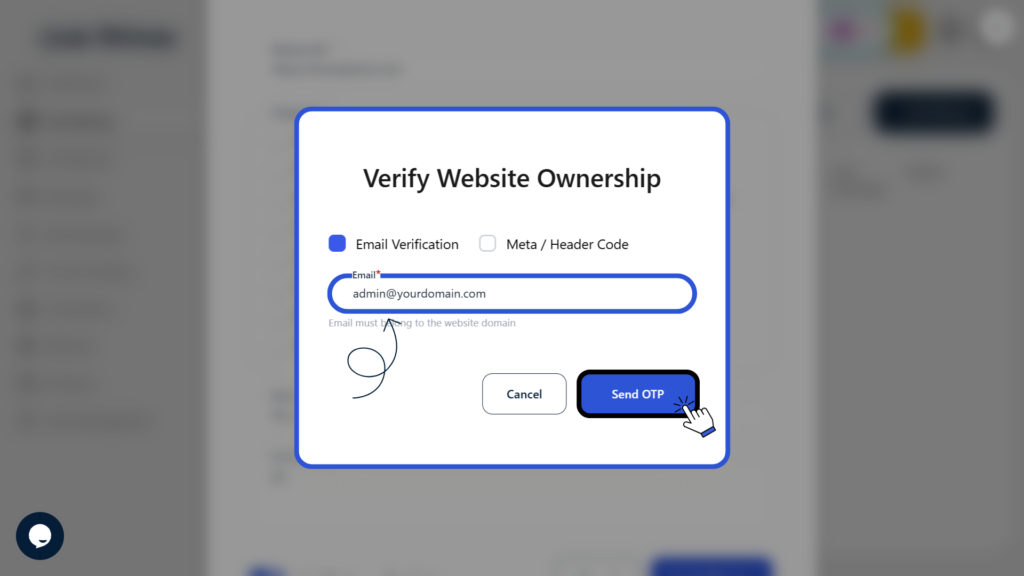
2: Enter Email Address and Send OTP
Provide an email address associated with your website domain and click Send OTP.
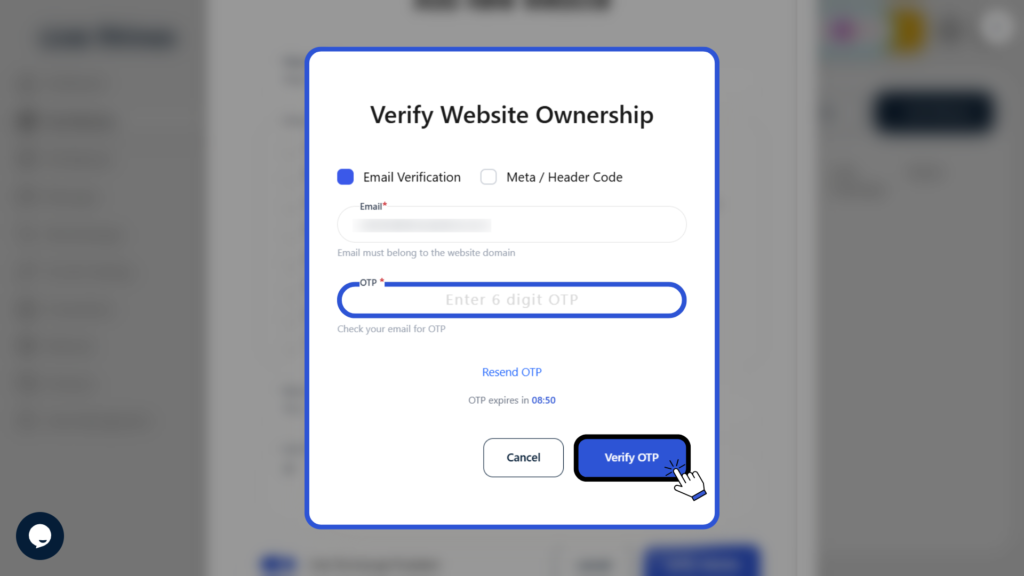
3: Enter OTP and Verify
Check your email for the OTP, enter it in the required field, and click Verify OTP to complete the verification process.
This confirms your ownership of the website and unlocks all associated features on the platform.