
You can permanently remove a website from your account when it is no longer needed. Follow these steps to delete it:
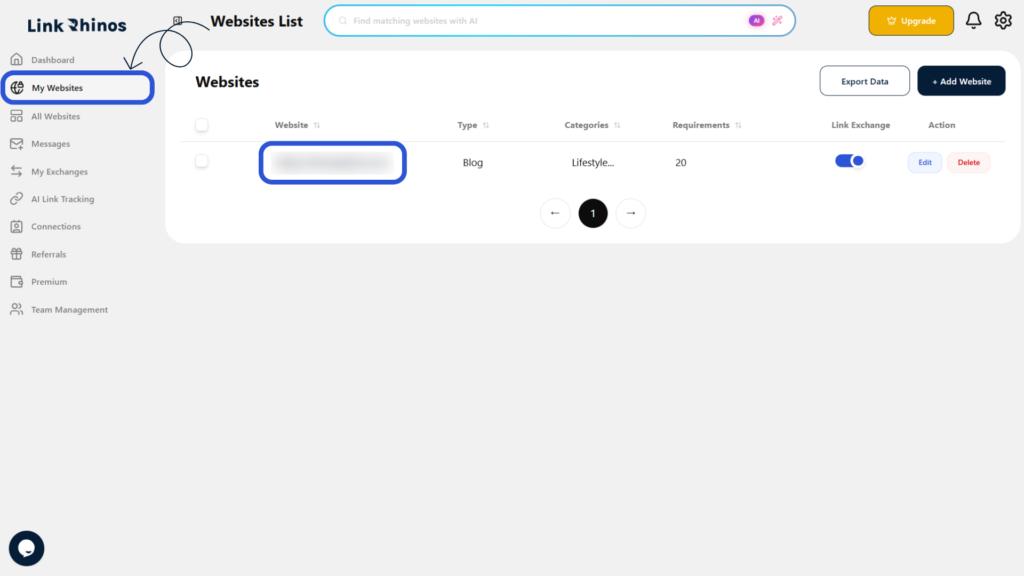
1: Go to My Websites
Navigate to the “My Websites” section and locate the website you want to delete.
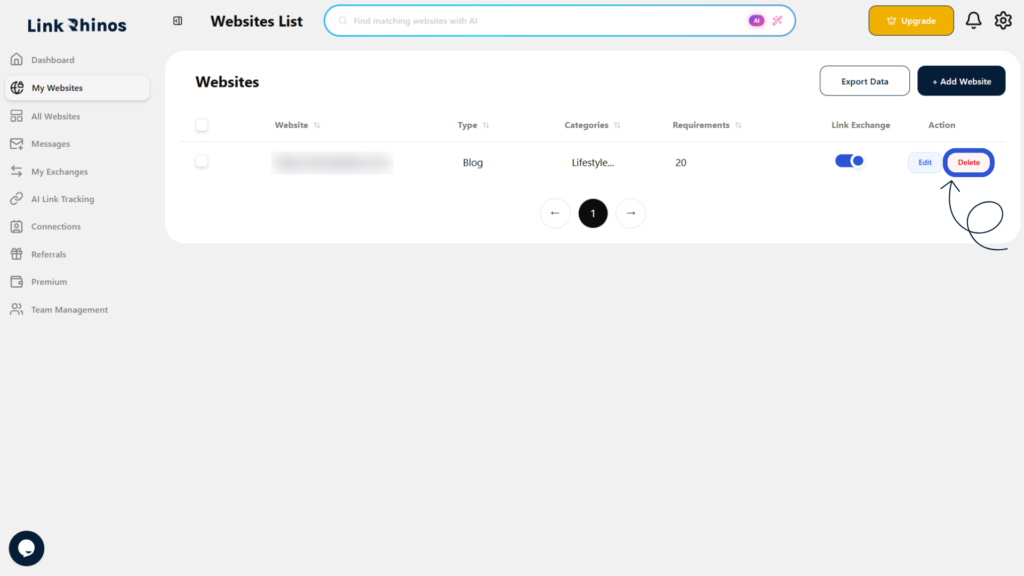
2: Click Delete
Find the “Delete” option in the Action column for the selected website and click it.
3: Confirm Deletion
A confirmation prompt will appear. Review the website URL and click “Yes, Delete” to confirm.
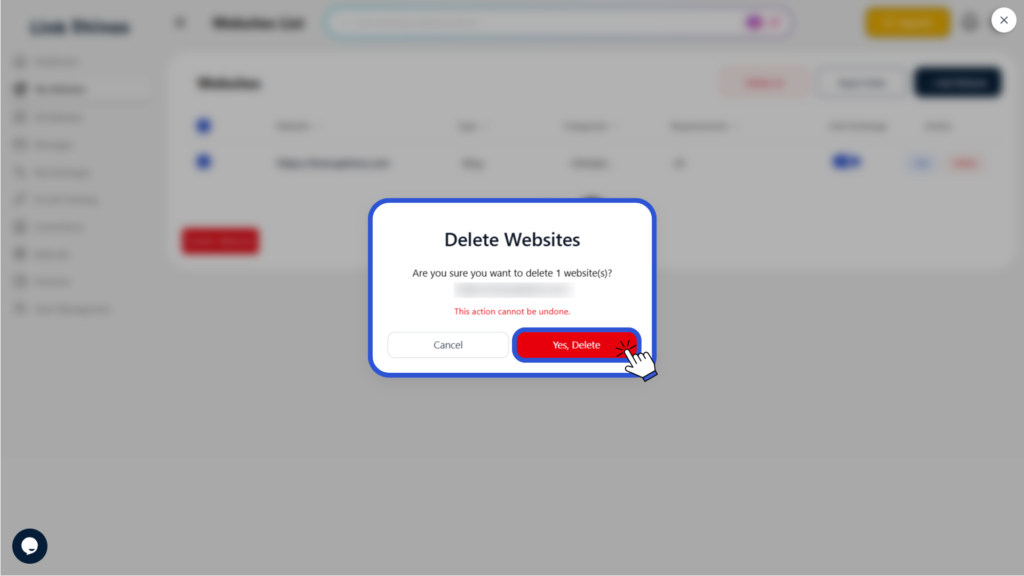
Deleting a website is permanent and cannot be undone.