
You can easily view another user’s Trust Score to assess their reliability before starting an exchange. This score is displayed directly in your connections list. Follow these steps:
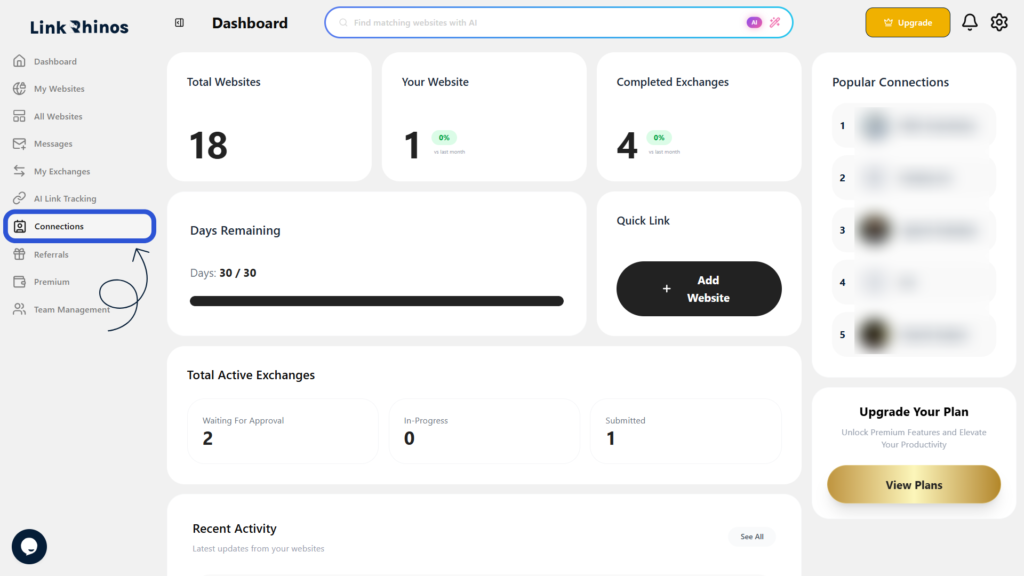
1: Go to Connections
Navigate to the “Connections” section from your main dashboard menu.
2: Check the Trust Score Column
Find the user in the list and look at the Trust Score column next to their name. The score is displayed as a percentage.
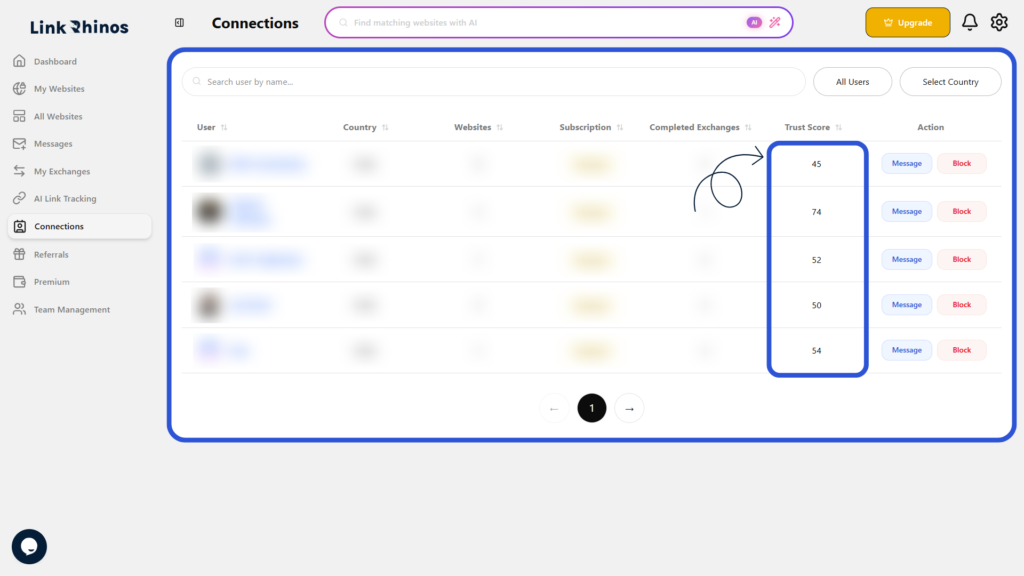
This score helps you understand the user’s reliability and history on the platform, giving you confidence before entering into any exchange on Link Rhinos.