
You can easily block a user to restrict them from interacting with you on the platform. This action is performed directly from your connections list. Follow these steps:
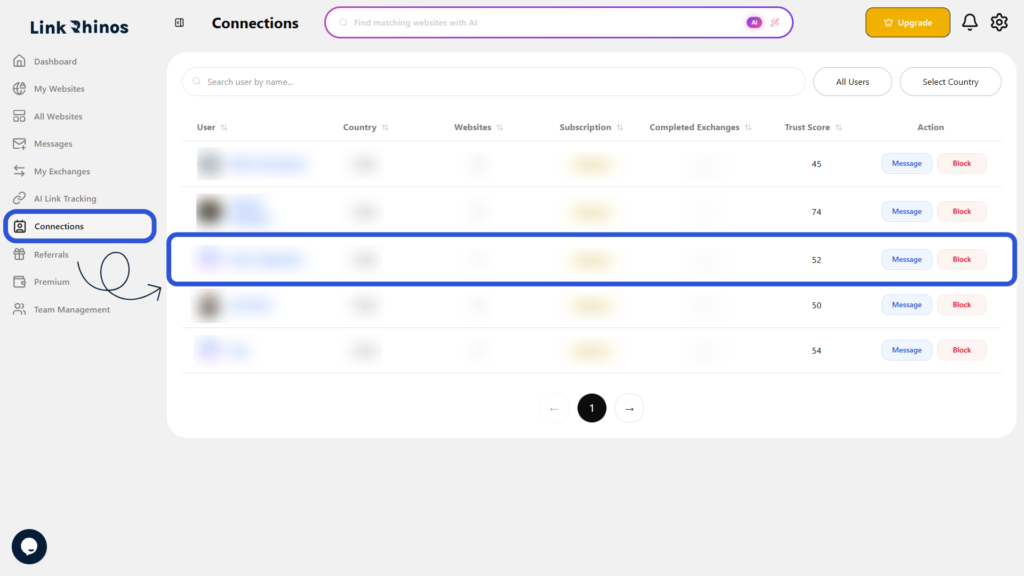
1: Go to Connections
Navigate to the “Connections” section from your main dashboard menu.
2: Locate the User
Find the user you want to block from your connections list.
3: Click Block
Under the Action column, click the Block button.
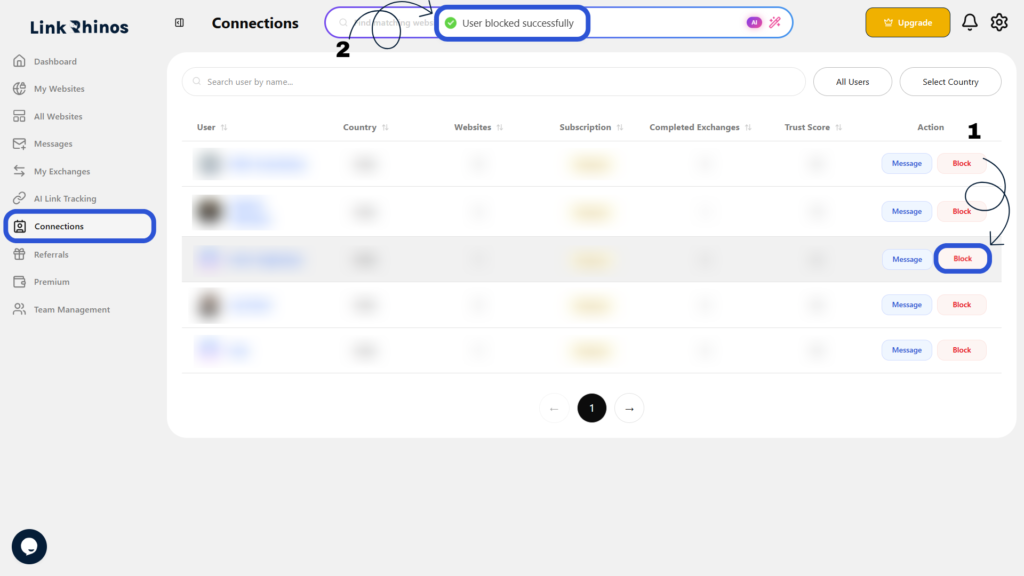
Once blocked, you will no longer be able to interact with this user on the platform.