
You can easily check how many websites a user has added to their profile directly from the Connections list. Follow these steps:
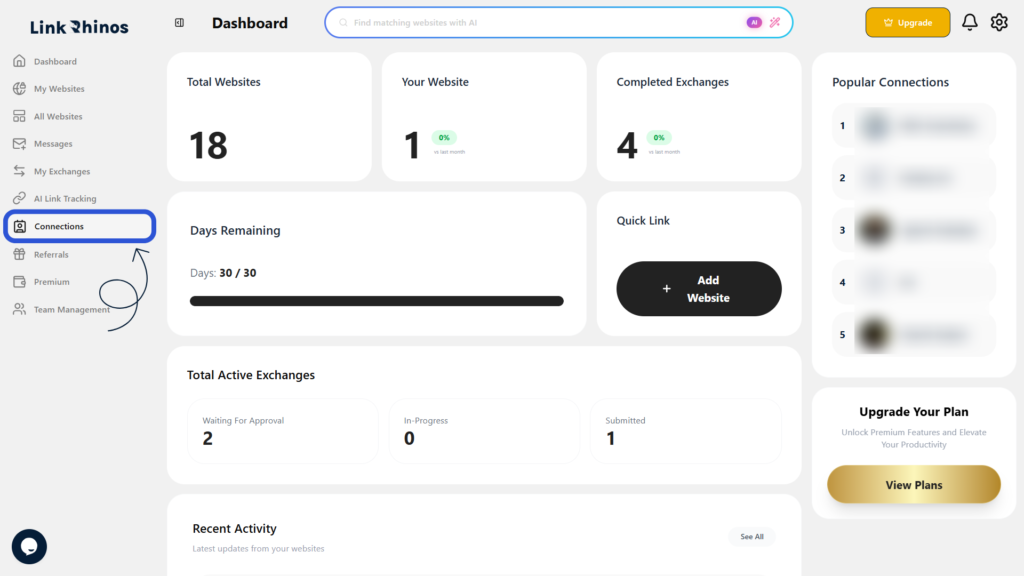
1: Go to Connections
Navigate to the “Connections” section from your main dashboard menu.
2: Check the Websites Column
Find the user in the list and look at the Websites column next to their name.
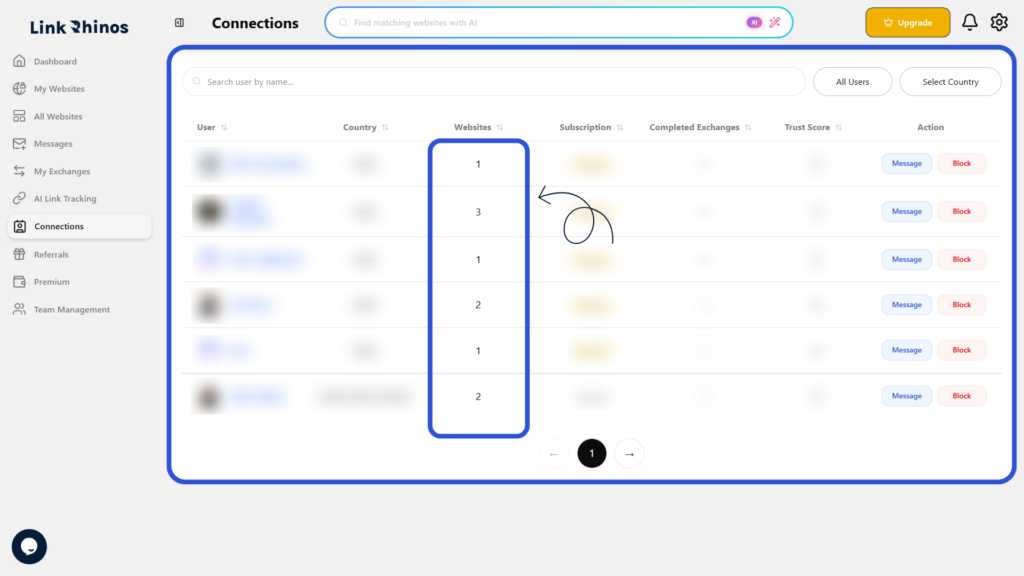
This number represents the total number of websites the user has associated with their account.